
Online Booking in 3 Easy Steps
Most online booking tools make customers jump through 10+ pages of questions. MotorFyx keeps it to three simple steps — contact details, service and vehicle info, and pick a time slot. No account creation, no app download, no friction.
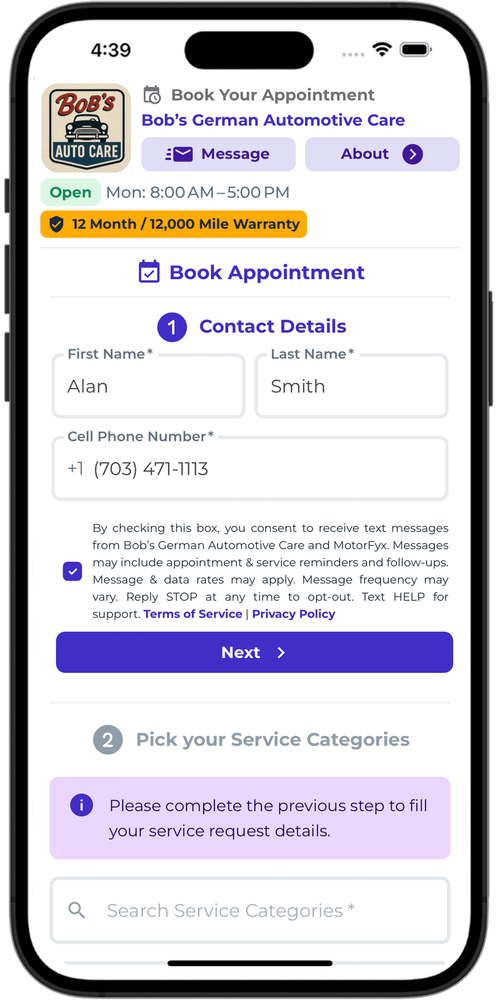
Enter Your Name, Phone & Email
Customers start by entering their basic contact info — name, phone number, and email. That's it. No account creation, no passwords, no app download. Just the essentials so your shop can follow up.
Name, phone, and email — nothing more
No account or login required
No app download needed
Takes less than 15 seconds
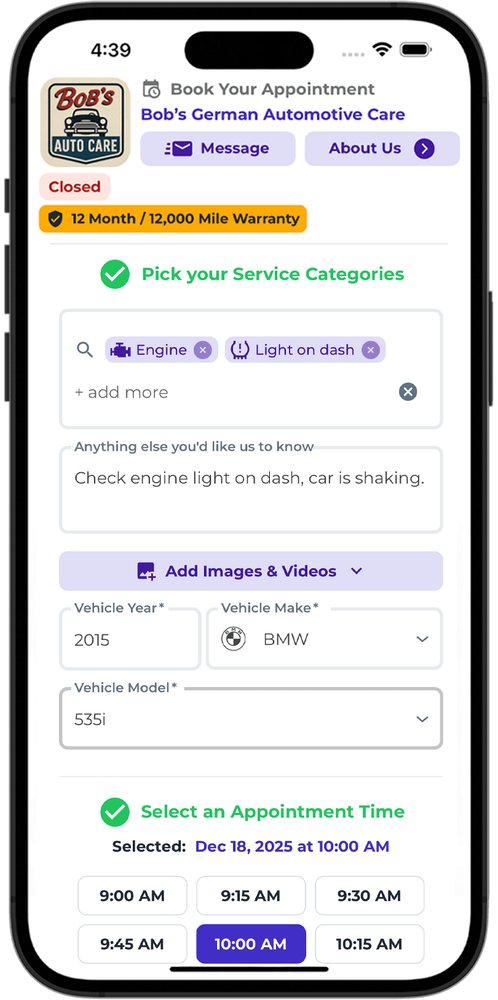
Pick a Service Category & Vehicle
Next, customers select a service category from your shop's menu and enter their vehicle details — year, make, and model. Your shop controls which services are available, so customers only see what you actually offer.
Choose from your shop's service categories
Enter vehicle year, make, and model
Only shows services your shop offers
Simple dropdowns — no typing essays
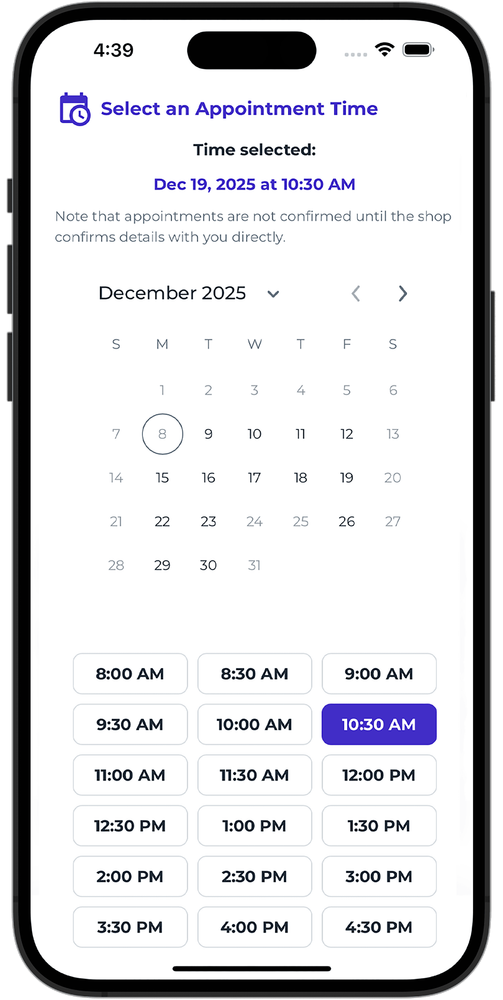
Pick a Date & Time — Done
Finally, customers pick an available date and time slot. The calendar syncs in real-time so they only see times that are actually open. One tap and the appointment is booked. No back-and-forth, no phone tag.
Real-time availability — no double bookings
Only shows open time slots
Syncs with your shop's calendar
Booked in under 60 seconds total
Ready to give customers the fastest booking experience?
One page. No friction. More bookings. It's that simple.